Music Career Finder

Survey Start

1.

1. Pick one.

*This question is required.
3.

3. What are you most interested in? Select as many as you like. 

*This question is required.
  • An online music maker is an online digital audio workstation (DAW), also called a cloud-based DAW
  • Online music makers let you record, edit, and mix music using an online program instead of a piece of software
  • These programs are good for beginners, those who don’t have a high-powered computer, or those who have budget constraints
  • Some of the best online music makers include Soundtrap, BandLab, Audiotool, and Amped Studio
  1. Introduction
  2. Intro to Online Music Makers
  3. The Pros and Cons of Online Music Makers
  4. How to Collaborate and Release Music Online for Free (Without Losing Your Mind)
    1. Start with a simple collab plan
    2. Where to find collaborators for free
    3. Beat battles and open verses: practice that doesn’t feel like homework
    4. Yes, you can release a song without paying
    5. A quick “don’t get sued” note about samples
  5. The 4 Best Online Music Makers
    1. Soundtrap
    2. BandLab
    3. Audiotool
    4. Amped Studio

Thanks to technology, anyone can make music any time they want.

And you don’t even need to know how to play an instrument.

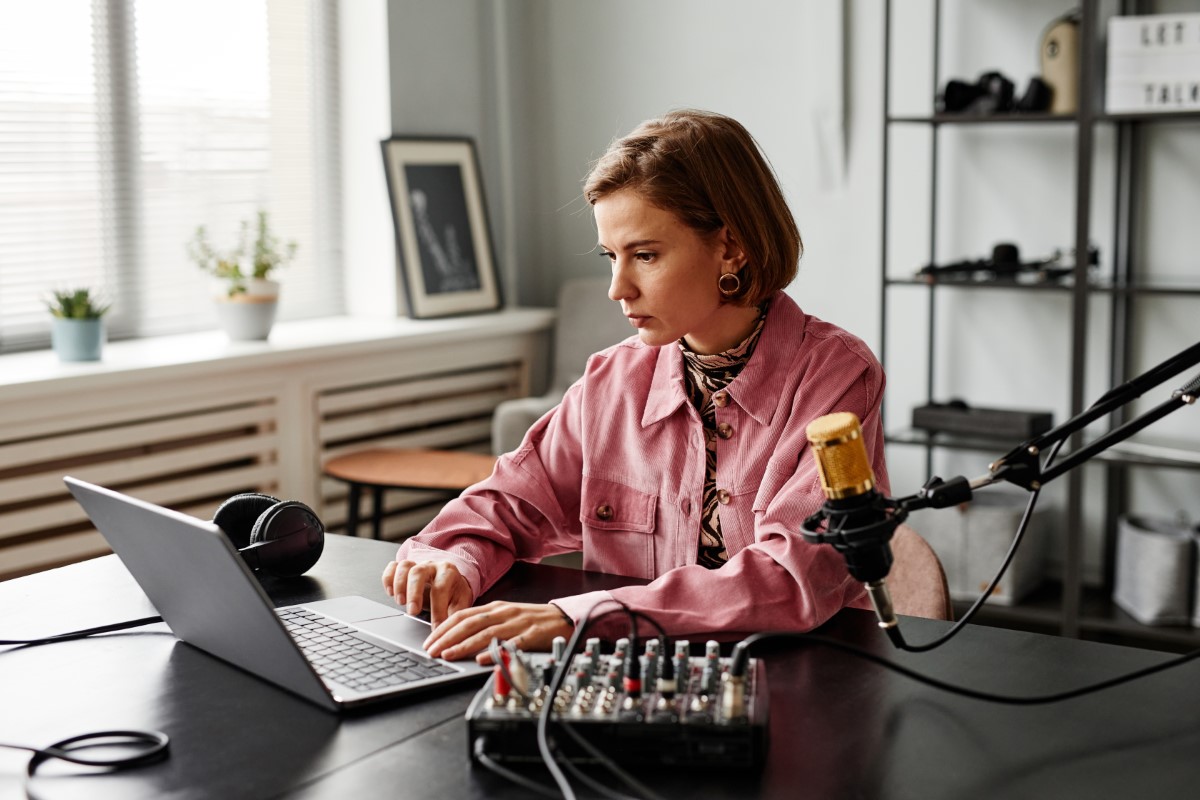
Online music makers, websites that let you make fully produced songs, have made this possible. Most of these websites are free and include virtual instruments, loops, and samples.

Intro to Online Music Makers

Another name for an online music maker is an online digital audio workstation (DAW), or a cloud-based DAW.

It basically means that, instead of having a piece of software that lets you record, edit, and mix music, the whole process is done on a website that automatically backs up your work to that website’s storage. This obviously requires internet access – you cannot use an online DAW without internet.

While online music makers can be a great place for beginners to start, you should plan to eventually get a software DAW for many reasons. We’ll cover why in the next section.
The Pros and Cons of Online Music Makers

It’s important to know what to expect (and not expect) with an online DAW.

So here are some common pros and cons of online music makers…

Pros & Cons

  • Convenience: you can create, edit, and mix music from anywhere with an internet connection on almost any computer. This is super convenient if you don’t have a computer with the power to handle a software DAW.
  • Low cost: many online music makers are available for free or at a very affordable subscription price.
  • Easy collaboration: most online music makers have built-in collaboration tools that let you work with other musicians in real-time.
  • Flexibility: you don’t need a bunch of expensive recording equipment to start using an online music maker.
  • Easy distribution: many online DAWs make it easy to share your music online directly.
  • Dependence on technology/internet: this is the biggest issue with online music makers. Recording music online requires a stable internet connection and a device with enough processing power to run the website. If you run into computer or internet connectivity issues, it could interrupt your recording process, leading to lost work.
  • Limited control: software DAWs typically offer more features than online music makers, meaning you’ll have less control over the final sound with a cloud-based DAW.
  • Collaboration challenges: again, all collaborating parties need a stable internet connection or else there may be lag or a complete disconnection.

Hey, what do you think about trying our new Music Career HelperMusic Career Helper really quick? It’s totally free and could help get your career moving fast! Give it a try. It’s totally free and you have nothing to lose.

How to Collaborate and Release Music Online for Free (Without Losing Your Mind)

You found a free online music maker. Nice. But here’s where a lot of people stall out: the “now what?” part. Collaboration gets messy fast, and finishing a track (then actually sharing it) can feel weirdly confusing at first. The good news is that online DAWs are built for this. You just need a simple plan so your song doesn’t turn into 47 half-finished versions called “final_FINAL_2.”

Start with a simple collab plan

Online collabs work best when you treat them like a small group project, not a free-for-all. Pick a goal, pick roles, and keep the handoff clean. If you do that, you can make music online free with other people and still stay friends afterward.

  1. Pick a “project owner” and a finish line (demo by Friday, full song by next week, etc.).
  2. Lock the basics early: tempo (BPM), key, and one reference track for vibe.
  3. Name tracks like a normal person: “Lead Vox Take 2,” “Chorus Synth,” “Kick Layer.”
  4. Use versions or revisions instead of overwriting someone else’s work.
  5. When internet is sketchy, trade stems (audio exports) instead of trying to work live.
  6. Decide credits in plain English while you still like each other.

Where to find collaborators for free

If your real-life music circle is small, the internet is basically a cheat code. Reddit and Discord communities are packed with producers looking for vocalists, remix partners, guitar layers, or someone who can turn a decent loop into a real song. Look for collab channels, feedback threads, remix challenges, and “open verse” posts. You can also learn faster just by watching what other beginners struggle with.

  • Producer subreddits (beatmaking, EDM production, songwriting, lo-fi communities)
  • Discord servers tied to genres (lo-fi, indie pop, hip-hop, electronic)
  • Community challenges inside the online DAWs themselves (contests, prompts, open collabs)

Beat battles and open verses: practice that doesn’t feel like homework

If you want to level up quickly, jump into a beat battle or remix challenge. The time limit forces you to finish something, which is honestly the hardest skill in music. Even if your track isn’t “release-ready,” you’ll get reps: arranging, mixing basics, and making decisions faster. Plus, people are way more likely to collab after they’ve heard you actually complete songs.

“In the beginning, I couldn’t really produce from scratch. So I just needed something to work off of.” — PinkPantheress

Yes, you can release a song without paying

You don’t need money to put music out. You can upload directly to places like SoundCloud, YouTube, and Bandcamp for free, then share the link anywhere. If you want your track on major streaming platforms, some distributors have free tiers (they usually take a percentage instead of charging upfront). Terms change, so read the fine print before you commit, but the main point is simple: you can go from “made online” to “public release” without opening your wallet.

A quick “don’t get sued” note about samples

Online DAWs often include loops and sounds that are meant to be used, but you should still double-check licensing rules inside the platform. What you want to avoid is ripping a famous vocal or a recognizable copyrighted sample and pretending it’s fine. If you’re not sure, use the DAW’s built-in sounds, royalty-free packs, or record your own parts. It’s way less stressful.

The 4 Best Online Music Makers

Okay, here are four of the best online music makers for you to try out. I would suggest testing each one to see which one fits your preferences and needs.

Soundtrap

This Spotify-owned online DAW is probably the most well-known option on this list.

They offer a free account as well as four paid subscriptions ranging up to $18 a month.

The free account gives you:

  • Unlimited projects
  • 4960 loops
  • 440 instruments and sounds
  • 150k+ sound effects from freesounds.org
  • Soundtrap Originals sound packs every second week

Here are some of the highlights:

  • Big library of virtual instruments
  • Includes basic production and editing effects, like reverb, delay, and EQ
  • The ability to collaborate on the same project with someone at the same time (video or text chat available)
  • Lots of royalty-free samples and loops

BandLab

Probably the best reason to use BandLab is that, on top of the online DAW and royalty-free sounds, you get extra stuff to help you promote your music, write songs, earn money, land gigs, and enter contests. And it’s totally free.

Here are some of the highlights of this online music maker:

  • Huge library of loops, samples, and virtual instruments
  • SongStarter (generate song ideas with AI)
  • A built-in chat and commenting system that lets users communicate with each other
  • Corresponding mobile app that lets you access your projects and collaborate with others on-the-go
  • 24/7 customer support

Audiotool

Audiotool is a totally free online DAW with a ton of features. People don’t often talk about it, but it’s worth mentioning.

Here are some of the things you get:

  • More than 1,000,000 samples
  • More than 200,000 device presets
  • 5 synth sounds and 3 drum machines
  • A lot of basic producing, editing, and mixing effects and tools
  • Real-time collaboration tools included

Amped Studio

AmpedStudio is a free online music maker that runs on Google Chrome, Opera, or Vivaldi. Hopefully, they’ll expand to other browsers in the future.

With the free account, you get:

  • Unlimited projects
  • More than 400 audio and MIDI files
  • 5 virtual instruments and 10 virtual effects
  • Can’t export project, but you can import audio and record new audio

With the Premium account ($4.99/month), you get:

  • Unlimited projects
  • More than 10,000 audio and MIDI files
  • 9 virtual instruments and 10 virtual effects
  • Able to save and export recorded and imported audio
  • Project sharing