Music Career Finder

Start Here:

1.

1. Pick one.

*This question is required.
3.

3. What are you most interested in? Select as many as you like. 

*This question is required.
  • Build your dream home studio or at least get started.
  • Consider the space, your creative environment and your budget.
  • Get a computer and some decent recording software.
  • Check out audio interfaces, synths, MIDI controllers, speakers and headphones.
  • You can start with very little and expand as you need to.
  1. Introduction
  2. Things You Should Consider When Building Your Home Studio
    1. Environment - The Space
    2. Computer
    3. Recording Software (DAW)
    4. Audio Interface
    5. MIDI Controller
    6. Studio Monitors and Headphones
    7. Microphones
    8. Virtual Instruments
    9. Hardware Synthesizers
    10. Mixer
  3. What’s Changed in Home Studios Lately: AI, Remote Collabs, and Spatial Audio
    1. AI Tools That Help (Without Turning Your Music Into Beige Content)
    2. Remote Collaboration Without the “Where’s the Latest Version?” Spiral
    3. Dolby Atmos and Spatial Audio: Should You Care Yet?
    4. The “Small Gear” Mindset That Makes You Finish More Music
    5. Common Home Studio Mistakes (And Fast Fixes)
  4. Summary

From as little as a laptop to a basement full of gear here's what you need to know to put together your own music making space at home.

So, you want to make music in the comfort of your own home? That’s great, but where do you start? Is a phone and a pair of headphones enough or do you need to spend thousands of dollars on equipment? The answer lies somewhere in between and it really is up to you, the music you’re making and the money you have to invest. However, to give yourself the best chance of music production happiness there are a number of things you should consider.

You need to think about the space you’re in, whether you’re going to mix on headphones or need a place you can turn speakers up loud. Are you going to be purely software based or will hardware synths and groove boxes be part of your setup? Are you making beats and soundtracks or will you be recording vocals and acoustic instruments? Going through our checklist will help you work out exactly what your home studio needs and what it doesn’t.

Here are the 10 things you should consider when building your home studio:

  • Environment
  • Computer
  • DAW
  • Audio interface
  • MIDI controller
  • Speakers
  • Microphones
  • Virtual synths
  • Hardware synths
  • Mixer

Things You Should Consider When Building Your Home Studio

Environment - The Space

Studio Space

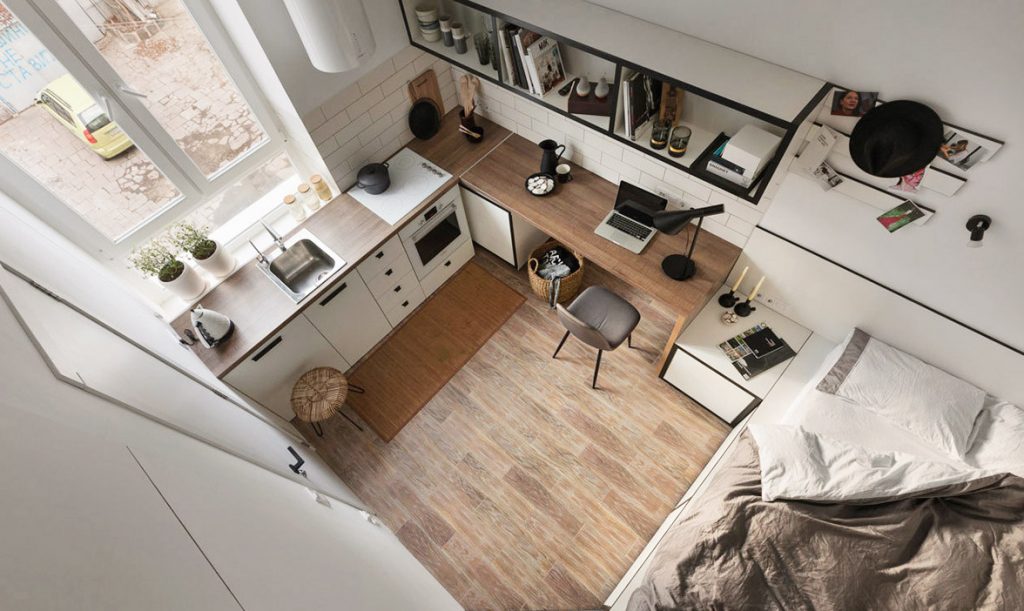
Once you’ve evolved past a self-contained laptop studio, you will need to have someplace more permanent to place your gear. You need to think about what sort of gear you’re going to be using, how many power sockets you will use, and how everything will get plugged in. If you were to get everything on this list, would you have the space for it?

You’ll need to consider how much noise you’re going to make and how insulated you are from the everyday sounds around you. Having a window is great in terms of creating a nice space to be in and enjoy some natural light, but also consider the noise implications and whether sunlight will reflect off your computer screen. If you’re in an enclosed space, will you have room to breathe, swing a guitar, or stand up to sing? Is it a space in which you will be left undisturbed for long lengths of time? Is it a space that you can walk into and start making music, or do you need to climb over things, set things up, or move things around?

So, ideally, you’re looking for somewhere that gives you a bit of isolation, space to leave your studio setup and curtains to block out the sun and reflections if it has windows. It doesn’t have to be a completely separate room. You can find the ideal space in a corner of your bedroom.

Ultimately, you have to make the best use of what you have and a way you maximise that in a less than idea space is to get a sturdy table and a decent chair. If you spend a lot of time in that chair, get one that supports your back properly and lets you easily change position. The time you spend will be comparable to gamers working on their best scores, and there are a lot of great chairs out there for gamers – go and check those out.

Lastly, for the space, you might want to consider some acoustic treatment. This might seem complicated, but the general idea is that smooth, shiny surfaces are bad. Sound likes to reflect and bounce around, making recordings sound weird or making it difficult to hear the music when monitoring on speakers. Use some acoustic tiles or any soft, textured material to cover large walls, ceilings or other surfaces. You’ll be surprised how much difference it can make and it has the added bonus of adding a bit of soundproofing so that you are less annoying to your neighbours.
Computer

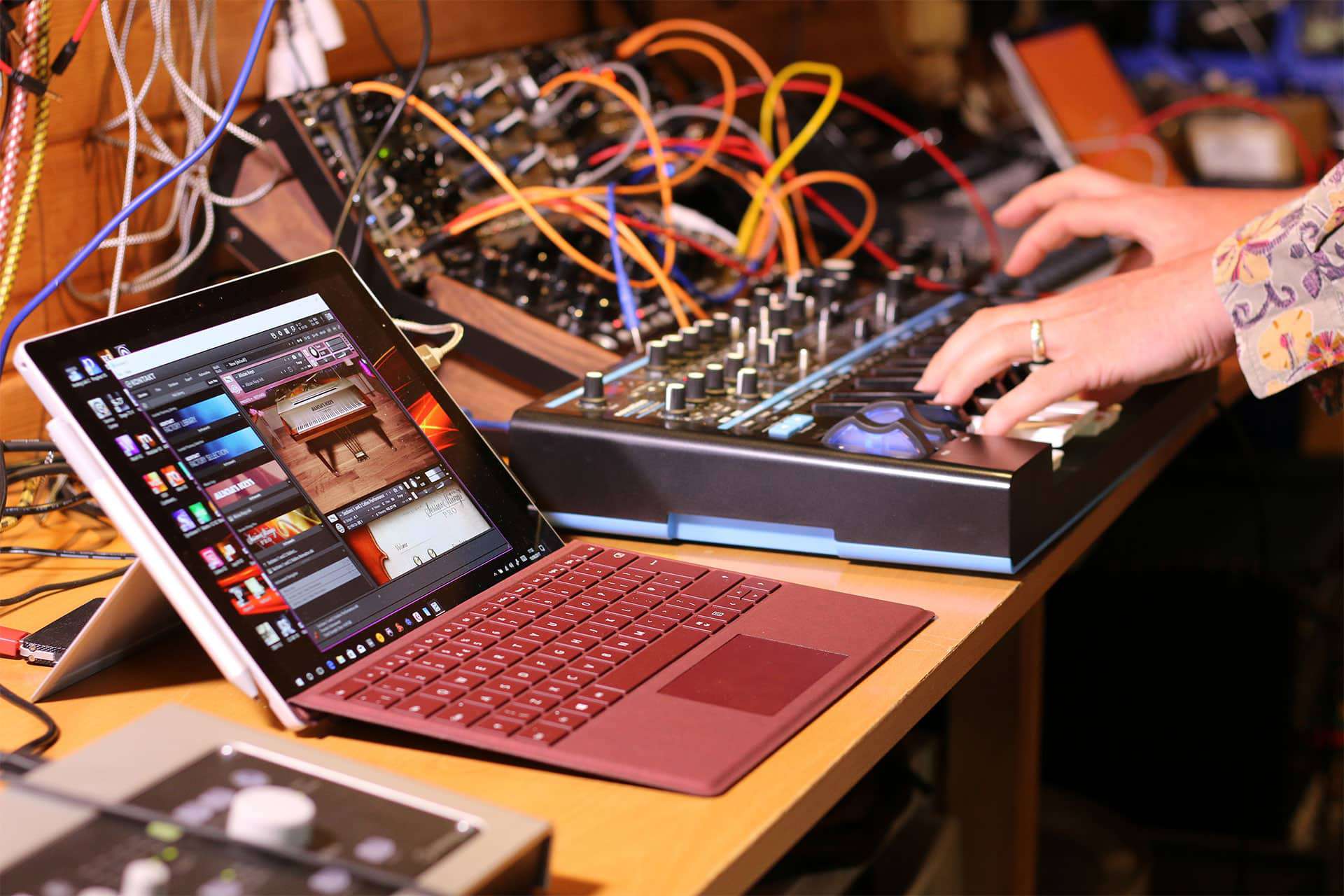
Microsoft Surface Pro

The computer is probably the most vital piece of equipment you’ll have in your studio. It will be the virtual tape decks for your recordings, the virtual sheet music for composition, the virtual notebook for songwriting, the virtual synths, the virtual effects and the virtual mixing console for pulling your tracks together. Computers are extraordinary tools and are capable of running a vast array of music software, tools, and utilities. So, get a good one!

Honestly, it doesn’t really matter what it is, Apple or PC, tablet, desktop or laptop. It should have no problem running the software you need to make music if it’s relatively recent. My main advice would be to dedicate your computer to music making. Don’t install a load of games or internet nonsense. Keep it clean, empty, with lots of space for recording and loading virtual instruments.

Check out our article on The Best Computers for Music Production for more information.

Recording Software (DAW)

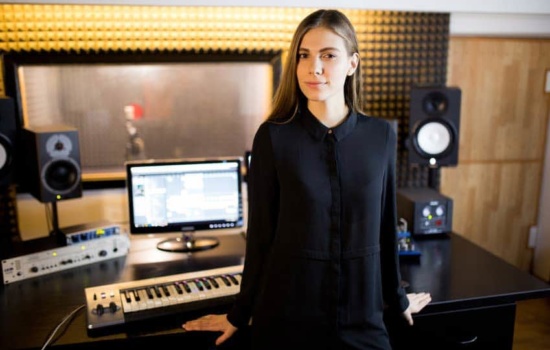
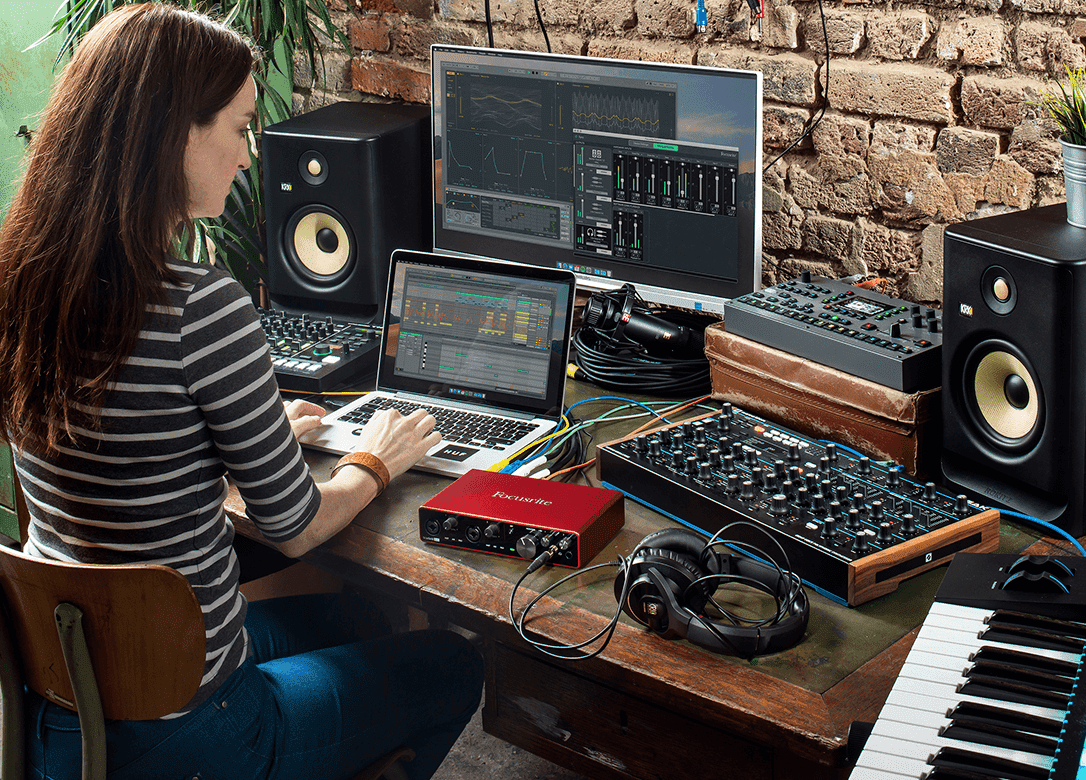
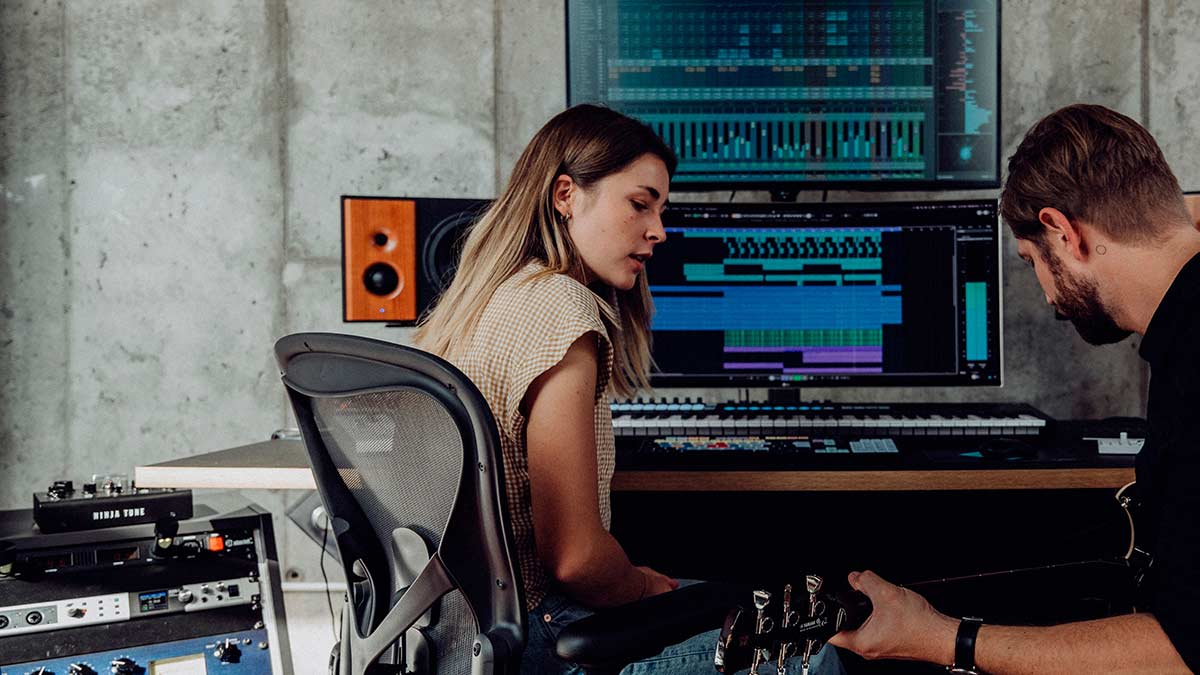
Male and female musician using DAW in home recording studio

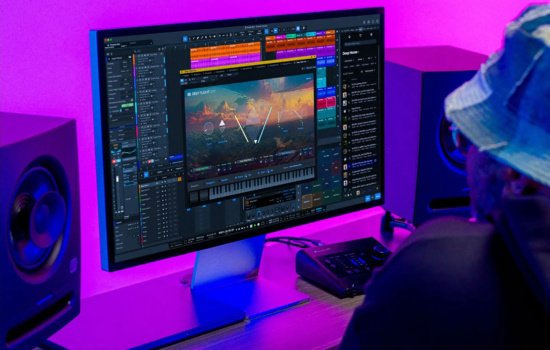
Your Digital Audio Workstation software can be a matter of taste and experience. There are many great options out there that can equally help achieve the same things. Think about what your priorities are and how you like making music. If you’re a songwriter, you might want something that’s great with chords and mapping out music like PreSonus Studio One. If you are making electronic music, maybe Reason or FL Studio will focus more on your genre. If you are into loops, then Ableton Live or Bitwig Studio might be better options.

If your budget is an issue, then there are a lot of great free DAWs that can do the job. Check out Tracktion Waveform, UAD Luna or Reaper as fully-fledged DAWs that will get you started.

The important thing to know is that you can’t go far wrong whatever type of music or tools you like working with you’ll find them all in almost every DAW.

Check out our article on The Best DAW for more information.

Audio Interface

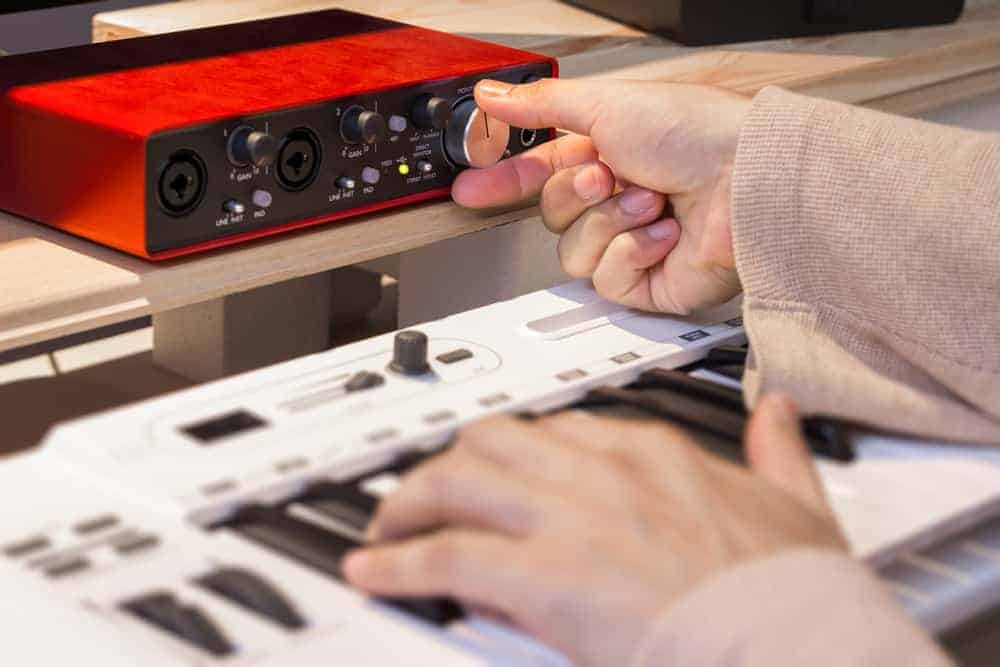
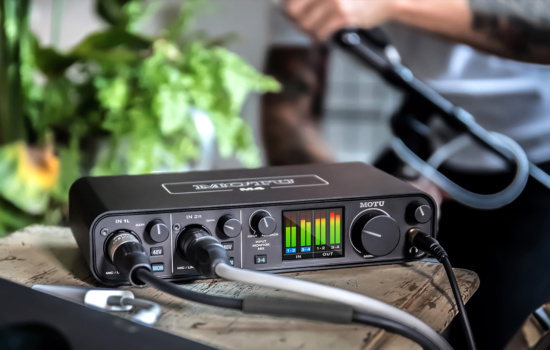
Hand twisting knob on audio interface with keyboard

This, for me, is one of the most important bits of kit. It bridges the gap between the music you want to make and the computer that runs your studio. If you are recording live instruments and vocals, then an audio interface gives you proper connections and sockets to plug your microphones and other gear into. If you are making electronic music or using virtual instruments then an audio interface will give you a high-quality output and a fast response to your keyboard playing.

Ultimately an audio interface is what transforms your computer into a recording studio. You can get them in all sorts of configurations and prices. It’s very common to have two or four-channel interfaces, which are great for recording you and your friends. While one microphone input might be enough for you working on your own, what would you do if someone came round to collaborate? So, you need to be guided by how many things you’ll need to record or listen to at the same time. If you have loads of hardware synths and sound sources, then you might need dozens of inputs to mix them on the computer.

The audio interface will also dictate the quality of your recorded sound, so aim high if you can.

Check out our article on the Best Audio Interfaces for Home Music Recording.

MIDI Controller

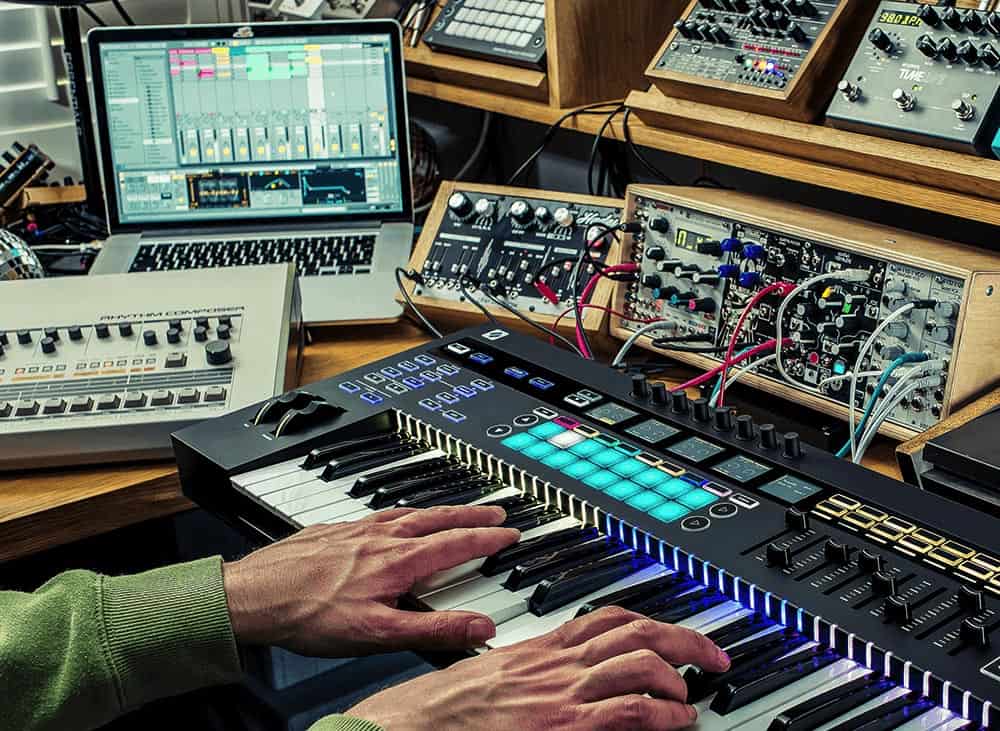
Hands playing Novation keyboard with daw and eurorack

You can sequence music in your DAW with a mouse, but it’s perhaps not the most musical way. A MIDI controller can provide the physical connection between you and the virtual sounds on your computer.

A MIDI controller is usually a piano-style keyboard, but it might also have knobs, pads and buttons that can be mapped to software controls to emulate the hardware experience. They often have additional features such as arpeggiators, chord memory, scales and sequencers, so you might find some useful tools if you choose the right one.

Check out our article on the Best MIDI Controllers.

Studio Monitors and Headphones

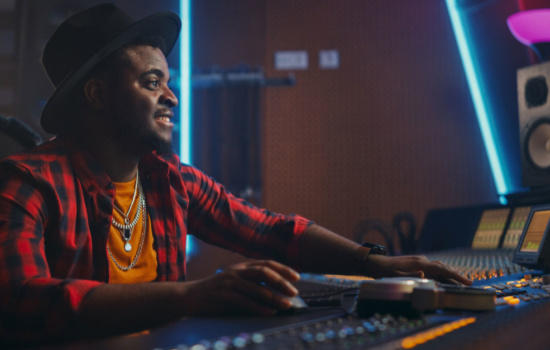
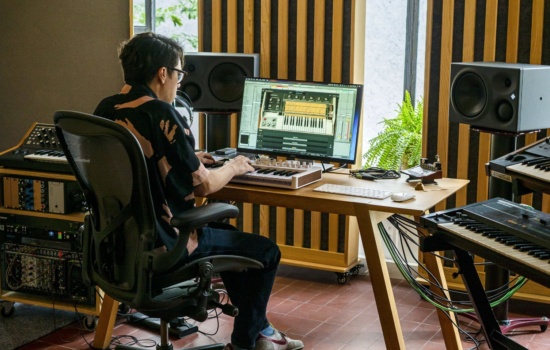
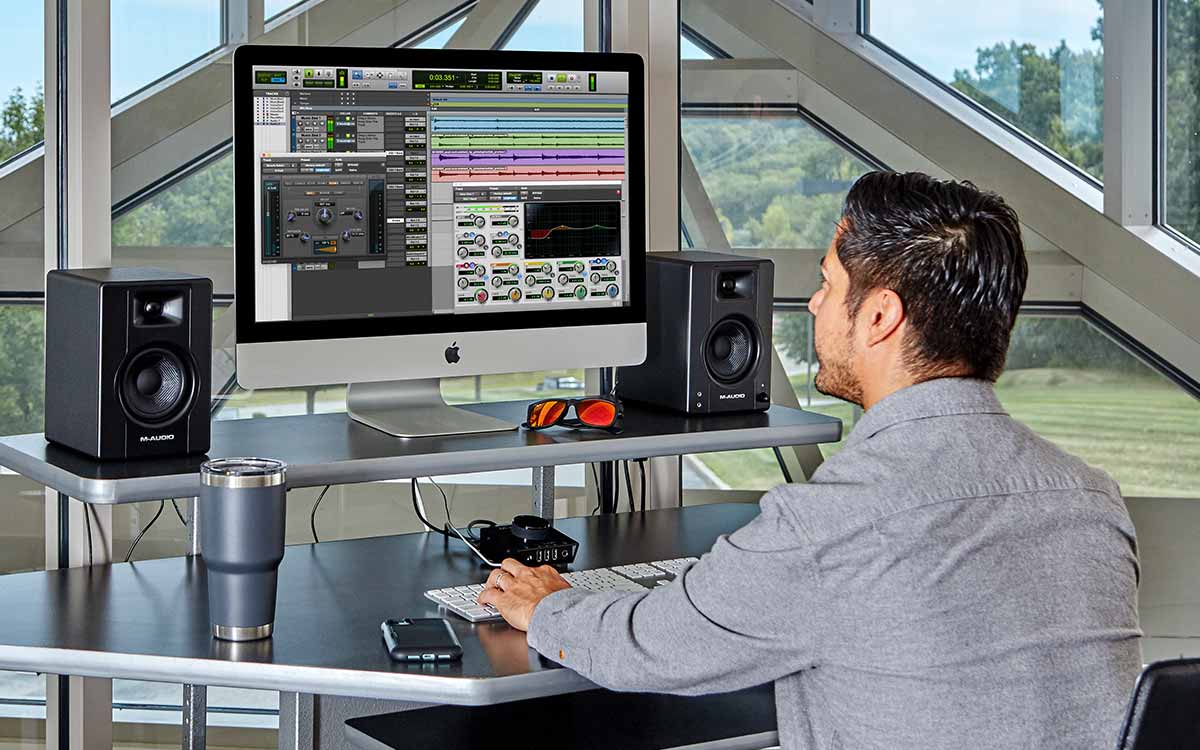
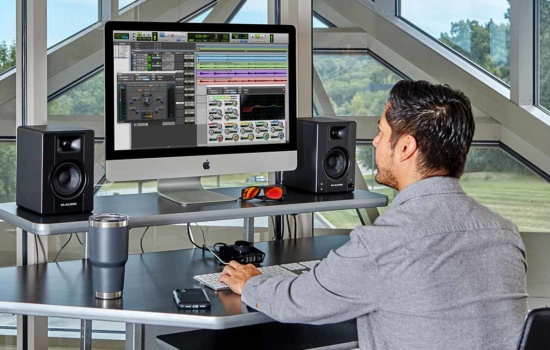
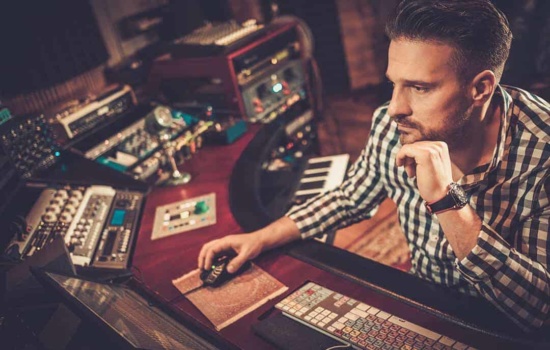
Male producer using M-Audio studio monitors in home studio

You can mix fine on headphones right? Yes and no. Headphones will do and certainly, most producers turn to headphones at some point just for comparison, but they can be quite restrictive and not give you a sense of how your music will sound in a room. To do that you’ll need some speakers.

The sort of speakers you need will depend on your space. It’s all too easy to get speakers that are too impressive and overwhelm your studio. We all like big things but a 3″ to 5″ speaker for a small space will probably be plenty. While it’s true that larger speakers will give a truer interpretation of your sound, they would be completely wasted in a small space where you can’t turn them up past 2.

For mixing you also need speakers designed for the job. These are different to speakers designed for listening. If you’re just listening to music, then speakers will tend to color the sound in ways that we generally find pleasing – so the bass will get a boost and the mids will be reduced just a little. When mixing, we need the naked rawness of our poorly mixed sounds so that we can make them sound better. So, if you can avoid hi-fi or media speakers and instead go for “studio monitors, ” you will end up with much better-sounding music.

Microphones

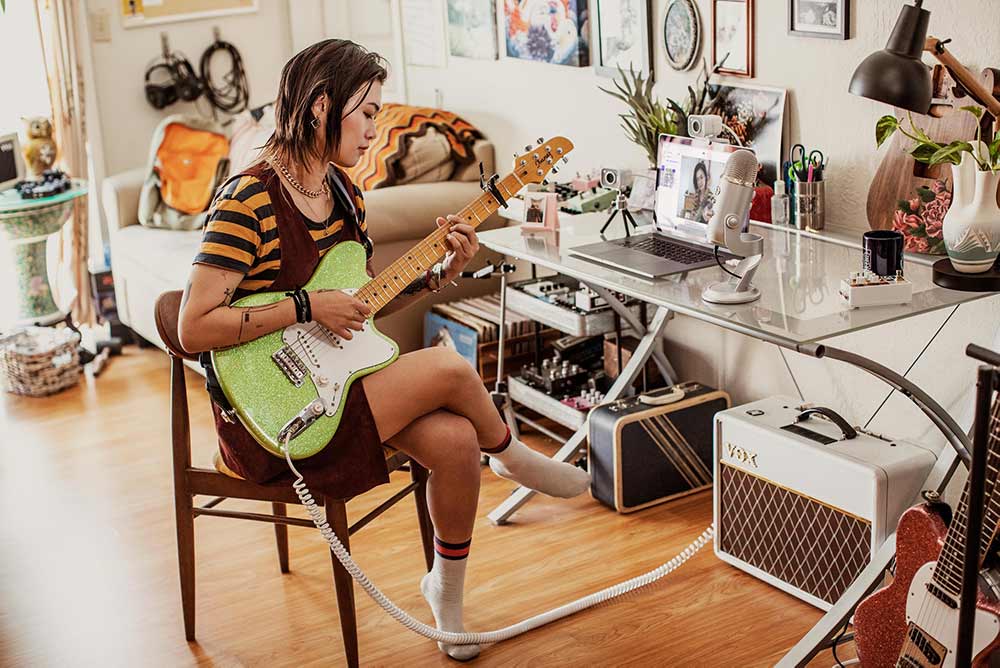
Female musician livestreaming a performance using a USB microphone

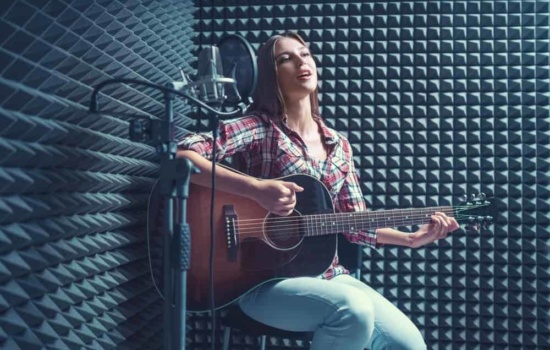
Now that you’ve got your audio interface, you’ll need a decent microphone to plug into it. Mics don’t have to be expensive; it depends a bit on your space and environment. It’s no good to have a super-sensitive vintage ribbon microphone if it picks up all the cars going down the street, next door’s dog, and the birds at your window. You can get little isolation booths to protect microphones and the performance from background sound, but you’ll also need the room for that.

So, for a small space at home get yourself a Shure SM58 dynamic microphone or equivalent. They are not expensive, should be used close to the subject and are great at minimising background sounds. Get yourself a mic stand to avoid handling noise and a pair of headphones so that your backing tracks don’t spill into the mic from your speakers.

Check out our article on the Best Vocal Mics.

Virtual Instruments

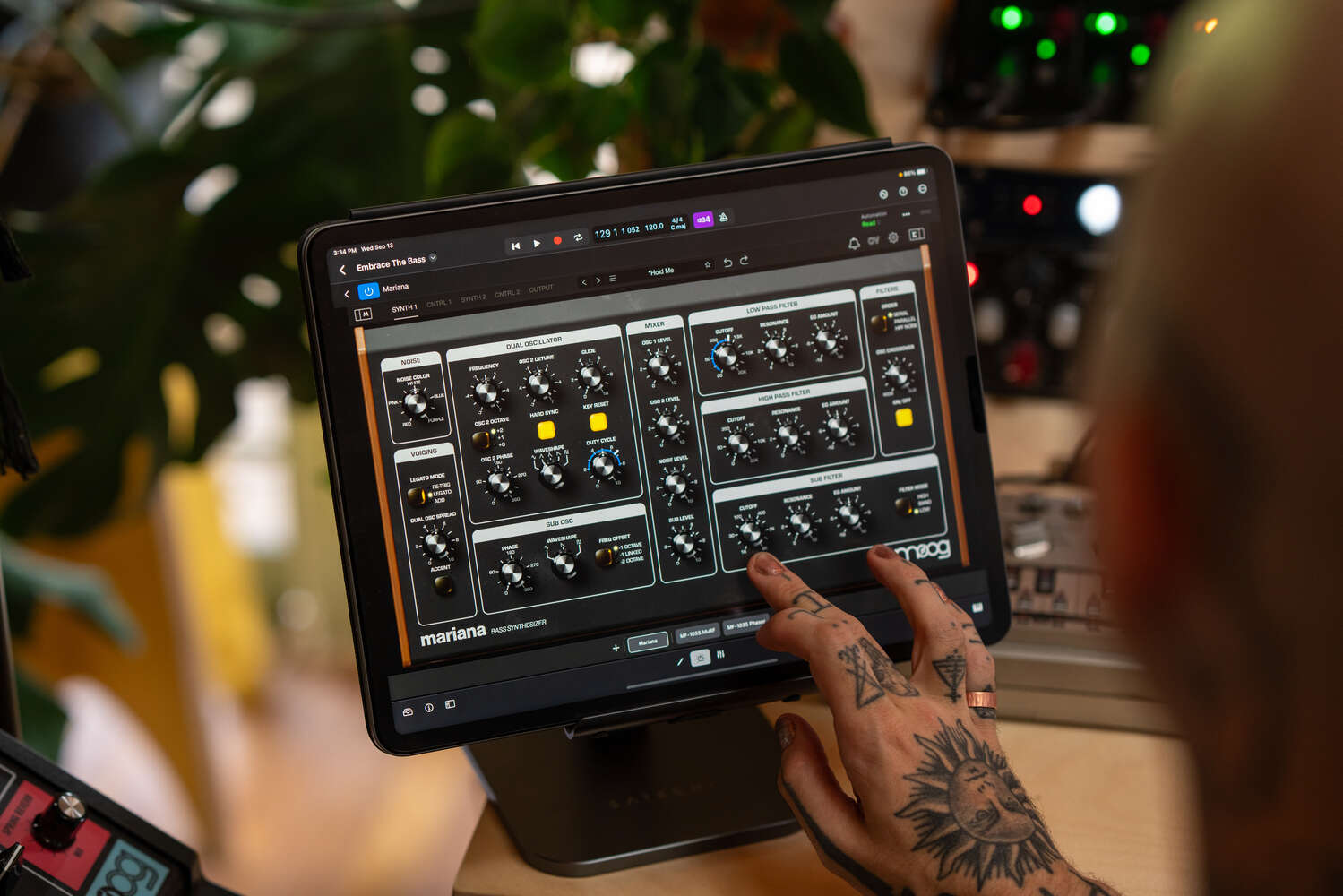
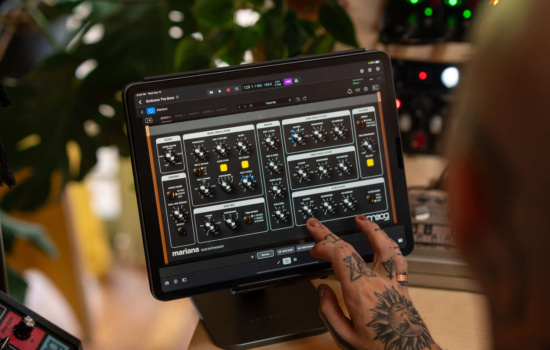
Moog Mariana

Virtual synthesizers and instruments are the most economic way to gain access to a wide palette of sounds. They are superb these days and can easily approximate hardware synths and acoustic instruments to the point that few people would notice the difference. The important thing is that they give you usable sounds with which to make your music and your DAW will usually come with a load.

Many manufacturers offer bundles of instruments for a really great deal. Check out the virtual instrument libraries from Native Instruments, Spectrasonics, Cherry Audio and Arturia. Also, look into some of the magnificent orchestral libraries that will enable you to run cinematic strings and brass sounds in your tracks.

It’s unrealistic to expect a home studio to be full of hardware synthesizers and so virtual instruments will definitely be your thing. It’s also another reason to get a decent, relatively new computer because they do make microchips work rather hard.

Check out our article on the Best Synth VSTs.

Hardware Synthesizers

Woman playing one of the year's best synthesizers

Hardware synths can be expensive, large and unwieldy, but they can also have a massive influence on your music and the ease with which it flows. Software is great but it can also feel a bit generic, like you’re working at a computer rather than playing an instrument. With a decent hardware synth you can explore sound design and synthesis much more intuitively.

We live in a time of plenty when it comes to synthesizers. You could, on the one hand, get a big synthesizer that does everything, but your computer is probably going to be able to cover “everything” already, so my advice is to aim for something that looks, feels and sounds good to you. It could be a fat analog synth that gives you knobs to play with, it could be an interesting polysynth with inspirational sounds and a good interface, it could be wavetables or sampling that interests you more. In either case, you are getting an instrument rather than just a sound source.

As a bonus, is can also double up as a MIDI controller for your virtual instruments so the size and shape should also be a consideration. Just remember that your computer can handle most common and regular sounds so go for something that inspires you.

Check out our article on the Best Synthesizers.

Mixer

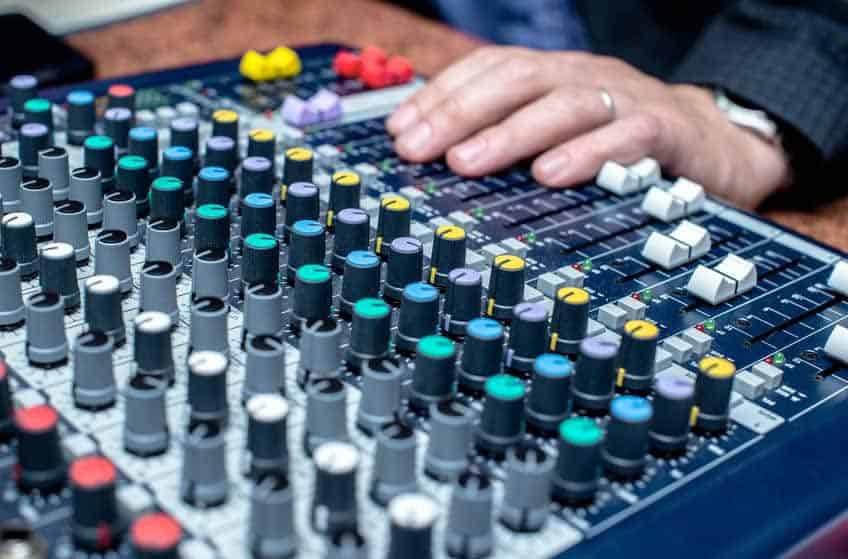
Hands on audio mixer

A mixer isn’t vital if it’s just you, a mic, a synth and a laptop. There’s always the option to mix in your computer if you have enough inputs on your audio interface. But mixing with a mouse is not that awesome, and actually having something to rest your fingers on, to move and manipulate as you listen intently to your creations, could be very worthwhile.

Mixers look complex, but they are actually the same thing repeated for each channel. A channel with typically consist of an input, then an EQ for treble, mid and bass adjustment, a panning knob to place the channel in the left/right field of stereo and then a level fader to set the volume of the channel. There may also be connections for effects, level meters, mute and solo buttons.

Once you are working with more than one source of sound, a mixer could be a good way to listen to everything. It also breaks you away from the computer and lets you open your focus to wider range of view. Once you have a few things playing together a physical mixer helps you balance sound much more naturally. Some mixers can also act as audio interfaces giving you a direct connection to your computer for recording and playback.

Mixers are easily dismissed as being unnecessary these days, but if you have the room I find that they can radically change your approach to finishing the overall sound of your music.

Check out our article on Audio Mixers.

What’s Changed in Home Studios Lately: AI, Remote Collabs, and Spatial Audio

Most home studio guides stop at the gear checklist. That’s useful, but it skips the stuff that actually changes your results: how you work, who you work with, and how fast you can go from idea to finished track.

This section is your “2026 update” on home recording. These trends are showing up in real sessions, real releases, and real bedroom studios right now.

AI Tools That Help (Without Turning Your Music Into Beige Content)

AI is showing up everywhere, so let’s be picky. The best use of AI in a home studio is boring in a good way: speeding up mixing decisions, cleaning up audio, and getting you unstuck.

Think of AI as an assistant, not a producer. Use it to suggest starting points, then make the taste decisions yourself. If you let it make every decision, your track can end up sounding like a competent demo that nobody cares about.

Remote Collaboration Without the “Where’s the Latest Version?” Spiral

Remote collabs are normal now, and you do not need a fancy setup. What you need is a simple system that prevents chaos, lost files, and 14 different mix bounces named “FINAL_FINAL_2.”

  • Agree on one DAW session owner who collects the parts.
  • Decide the sample rate and tempo before anyone records anything.
  • Create a folder structure: Stems, Vocals, Demos, Mix Bounces, Notes.
  • Print stems from bar 1 so everything lines up when imported.
  • Schedule one short “listen and decide” call instead of endless texting.

If you want real-time feedback, streaming your DAW audio to someone else can be easier than exporting files every time you tweak a vocal level.

Dolby Atmos and Spatial Audio: Should You Care Yet?

Spatial audio is growing, especially on major streaming platforms. But you don’t need to rebuild your room to keep up. The smart move is to understand the basics so you’re not confused when a label, client, or collaborator asks for an Atmos deliverable.

If you’re a beginner, focus on making great stereo mixes first. If you’re intermediate, experiment with a spatial mix once you can consistently finish songs and your stereo mixes translate well to cars, earbuds, and small speakers.

The “Small Gear” Mindset That Makes You Finish More Music

Here’s the unpopular truth: more gear can slow you down. Not because gear is bad, but because every new piece adds setup time, troubleshooting, and decision fatigue.

Finneas O’Connell has talked about how keeping gear minimal can make it easier to create, because you spend less time managing tools and more time making choices that serve the song.

A solid home studio is not “everything you can buy.” It’s a setup you can sit down at and use instantly, with zero friction.

Common Home Studio Mistakes (And Fast Fixes)

  • Ignoring your room: Add basic treatment and reduce reflections before you blame your monitors.
  • Recording too hot: Leave headroom and avoid clipping at every stage.
  • Overdoing reverb: Use less than you think, then automate it for impact.
  • Mixing without references: Compare your track to a few pro songs in your genre.
  • Buying plugins instead of learning: Master stock tools before expanding.
  • Never checking translation: Test mixes on earbuds, a car system, and a small speaker.

If your mixes feel inconsistent, it’s usually not your talent. It’s your monitoring, your gain staging, or your workflow. Fix those and your results jump fast.

Hey, what do you think about trying our new Music Career HelperMusic Career Helper really quick? It’s totally free and could help get your career moving fast! Give it a try. It’s totally free and you have nothing to lose.

Summary

A home studio can be anything from a laptop through to a rack of synthesizers, field of microphones and an acoustically treated space. The most important thing is that you’re comfortable and able to focus on your creativity. Then you can add the tools that enable you to do that in more ambitious ways. Start small and if you want to expand do so slowly and take your time to learn your new piece of gear.

You don’t have to buy everything at once or you might find yourself spending more time as a technician than a musician.